A browser library for
agents and operators
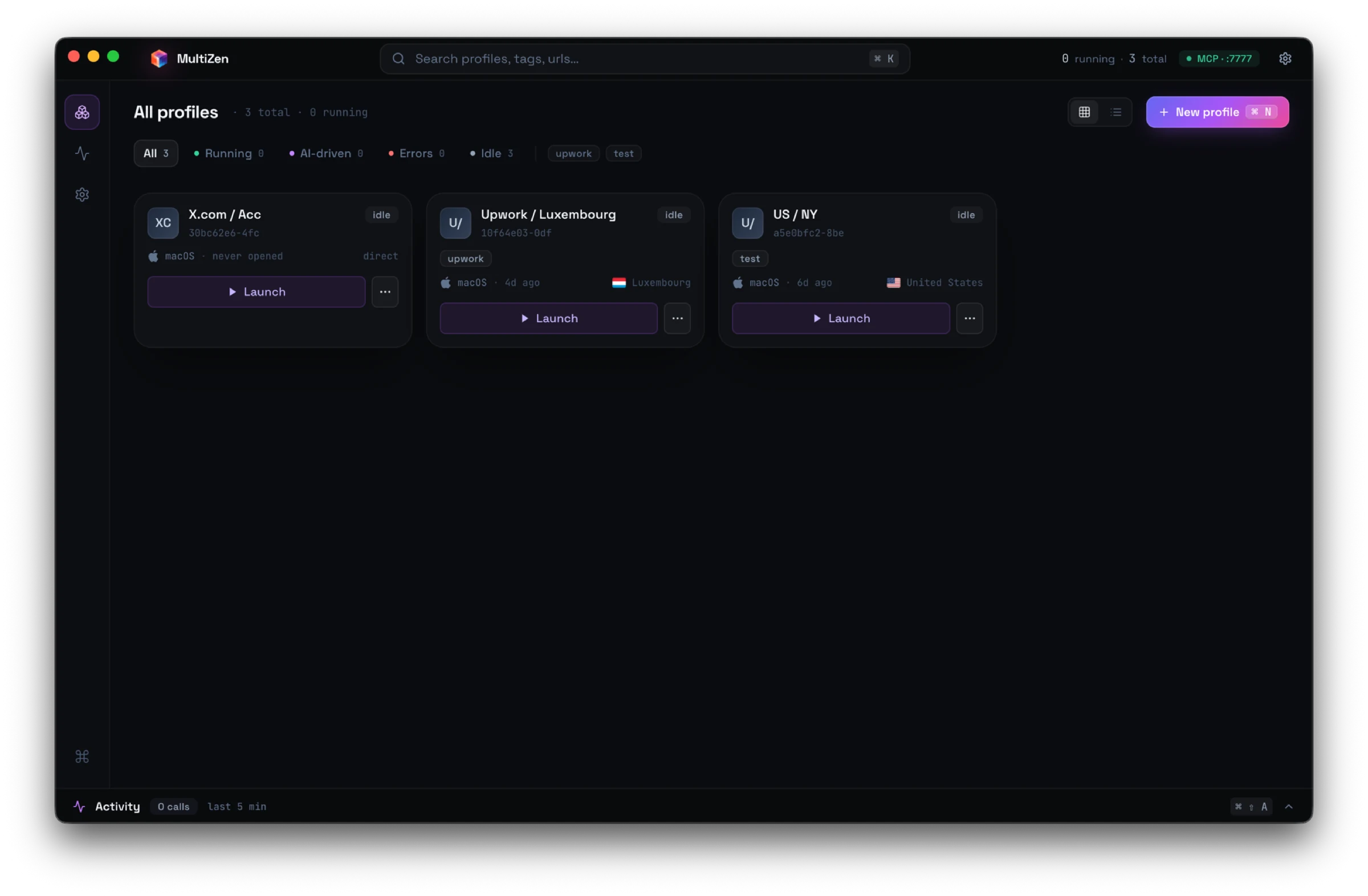
50 isolated Chromium profiles with their own cookies, proxies, and fingerprints. Drive them from Cursor or Claude Desktop over MCP. Step in manually whenever the AI hits a CAPTCHA or 2FA.
Brew installs handle the Gatekeeper quarantine for you. One-time tap, then install:
brew tap multizenteam/multizen
brew install --cask multizen
Or, if you grabbed the DMG above, the app isn't Apple-notarized yet (we don't have a Developer ID). macOS will say it's "damaged". Strip the quarantine flag and it opens:
xattr -cr /Applications/MultiZen.app SmartScreen will show "Windows protected your PC" the first time. The installer isn't signed with an EV certificate yet (Microsoft requires those plus a hardware HSM). Click More info, then Run anyway. SmartScreen remembers after that.
AppImage needs the execute bit set. Most distros need libfuse2 installed too (Ubuntu 24.04+: libfuse2t64). If it crashes at startup, launch with --no-sandbox.
chmod +x MultiZen-linux-x86_64.AppImage
./MultiZen-linux-x86_64.AppImage 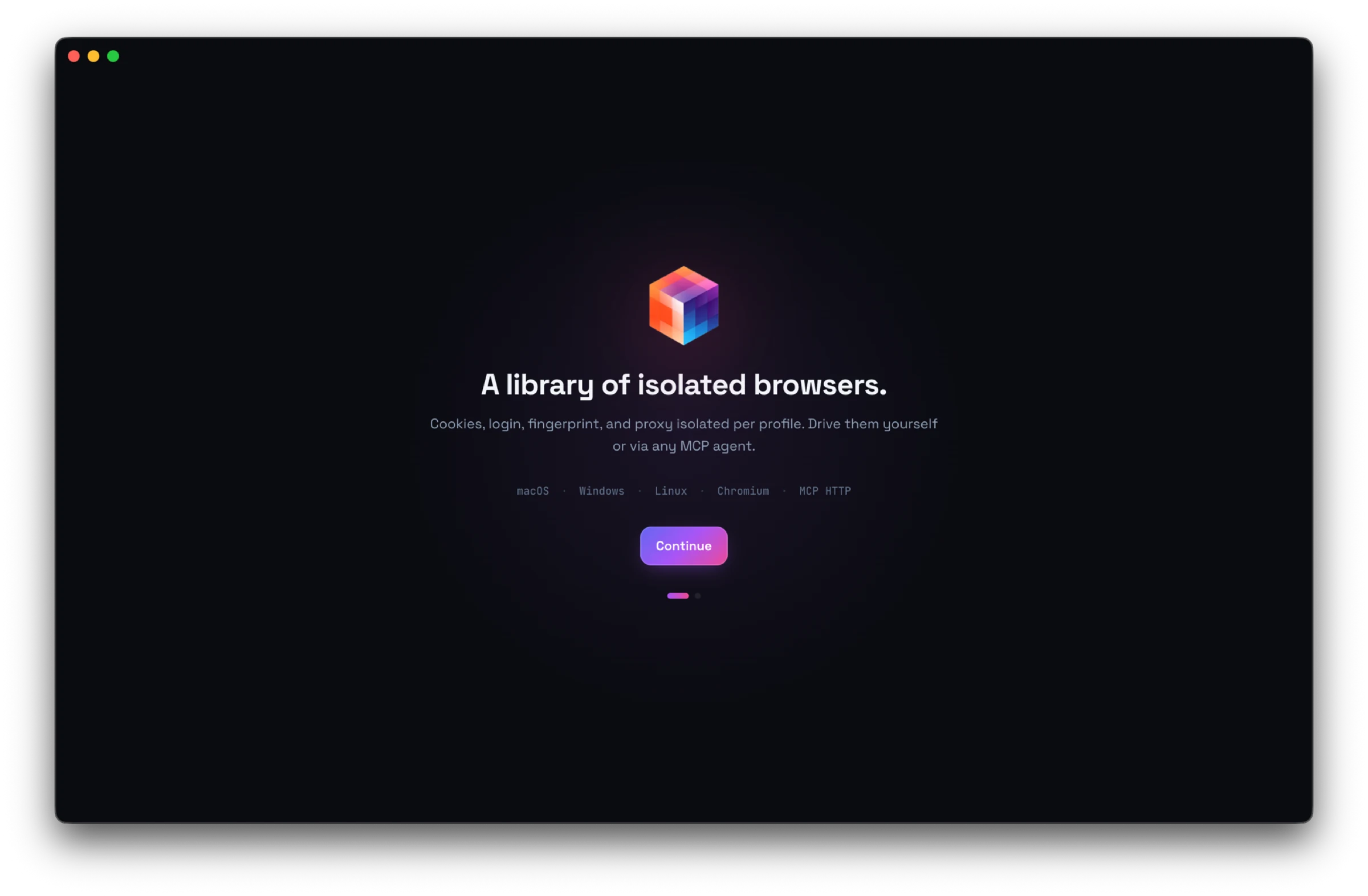
MCP server
Native localhost:7777 endpoint. Works with Cursor, Claude Desktop, Cline.
Anti-detect
Patched Chromium. Canvas, WebGL, audio, fonts farbled. WebRTC IP-locked.
State persists
Cookies, login, IndexedDB stay per-profile across launches and AI sessions.
Self-hosted
Profiles live on your disk. No cloud sync unless you opt in. Encrypted export.
From prompt to authenticated browser action
Three steps. No cloud accounts. No API keys to register. Profiles stay local — your agent gets MCP-native control over them.
Install on your machine
Download for macOS, Windows, or Linux. Profiles, cookies, and proxies live on your disk. The MCP server starts on localhost:7777 automatically.
$ open MultiZen.app
✓ MCP server listening on localhost:7777
✓ 0 profiles · ready
Connect Cursor or Claude Desktop
Add MultiZen to your MCP client config. Cursor / Claude Desktop / Cline see tools for list_profiles, launch, navigate, click, type, extract, screenshot.
// ~/.cursor/mcp.json
{
  "mcpServers": {
    "multizen": {
      "url": "http://localhost:7777/sse"
    }
  }
}
Let the agent drive
Ask Claude or any LLM to work across authenticated sessions. Cookies persist. Fingerprints stay consistent. Sites see a real Chromium, not a headless bot.
> Through profile "sarah-sales", find 50 CTOs
  in Berlin fintech on LinkedIn and export
  to CSV.

[14:22:01] launch_profile sarah-sales (87ms)
[14:22:03] navigate linkedin.com/search/people
[14:22:46] extract — 50 cards
[14:22:46] saved ~/Desktop/leads.csv
Anti-detect, browser infra, or both?
GoLogin and AdsPower built profile managers for human operators, then wrapped them in MCP. Browserbase built cloud headless browsers for agents, with limited fingerprint control. MultiZen does both locally.
| Feature | MultiZen | GoLogin | Browserbase |
|---|---|---|---|
| Native MCP server | ✓ | Profile CRUD only | ✓ |
| Drives the browser via MCP | ✓ | — | ✓ |
| Anti-detect fingerprints | ✓ | ✓ | Limited |
| Persistent login state | ✓ | ✓ | Per session only |
| Self-hosted (your disk) | ✓ | — | — |
| Manual GUI for operators | ✓ | ✓ | — |
| Pay per browser-hour | — | — | ✓ |
| Open-source core | ✓ | — | SDK only |
Free. Open source. No limits.
MIT-licensed. Unlimited profiles. No license check. Nothing phones home. Self-hosted on your disk. Built for one user — the developer running it.